Your website was great when it launched. But that was years ago. The internet has changed, your business has evolved, and your website hasn't kept up.
A website redesign isn't just about making things look prettier — it's about improving performance, user experience, and your bottom line. Here's how to know if it's time, and what the process actually looks like.
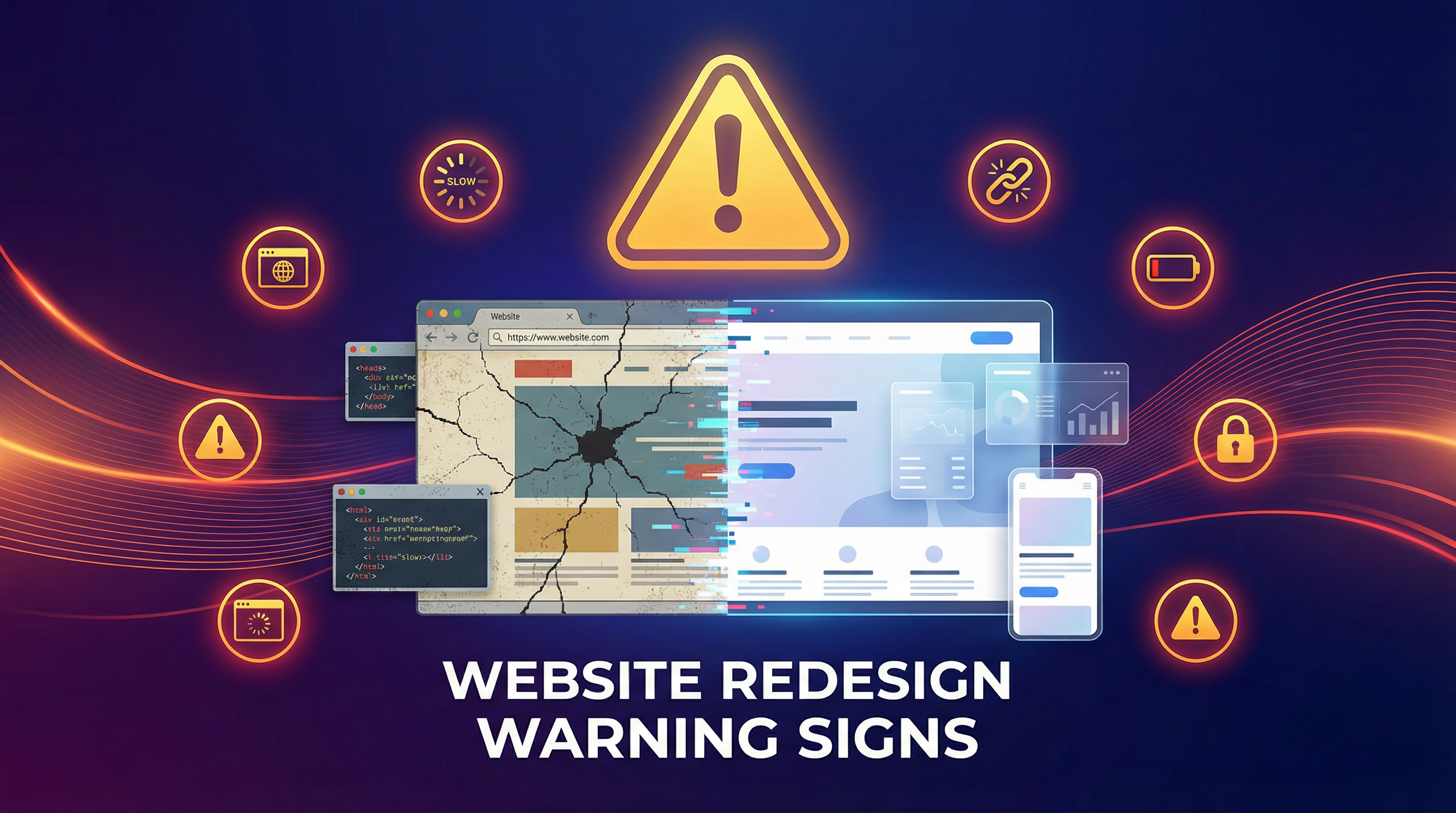
Signs You Need a Website Redesign
1. Your Site Is More Than 3-4 Years Old
Web design trends, technology standards, and user expectations evolve rapidly. A site designed in 2021 may look and feel dated to visitors in 2026. More importantly, it may not meet current Google requirements for mobile-friendliness, speed, and security.
2. Your Business Has Outgrown Your Website
You've added new services, expanded to new locations, or changed your target market — but your website still reflects the old version of your business. Your website should grow WITH your business.
3. Your Mobile Experience Is Poor
If your site doesn't work beautifully on a phone, you're losing the majority of your traffic. Open your website on your phone right now. Is it easy to navigate? Can you tap buttons without zooming? Is everything readable?
4. Your Bounce Rate Is High
If Google Analytics shows a bounce rate above 60%, your site has a problem. People are arriving and immediately leaving — something about the first impression is pushing them away.
5. It's Not Generating Leads
A website that doesn't bring in phone calls, form submissions, or sales isn't doing its job. Period.
6. Your Competitors Look Better
Go visit your top 3 competitors' websites right now. If their sites look more professional, load faster, and are easier to use than yours, potential customers are making the same comparison — and choosing them.
7. It's Slow
Test your site at Google PageSpeed Insights. If your mobile score is below 50, your site is actively hurting your business.
The Redesign Process (How I Do It)
Step 1: Audit Your Current Site
Before changing anything, I analyze what's working and what isn't:
- Which pages get the most traffic?
- Where are people dropping off?
- What keywords are you currently ranking for?
- What pages generate the most leads?
- What do your customers say about your site?
This data informs every decision in the redesign. We're not starting from scratch — we're building on what works.
Step 2: Define Goals and Strategy
A redesign without clear goals is just a new coat of paint. We define:
- What do you want visitors to do? (Call, fill out a form, buy, book)
- Who is your target audience? (Demographics, pain points, needs)
- What differentiates you from competitors?
- What content needs to be added, updated, or removed?
Step 3: Design
I create mockups of key pages based on the strategy. You'll see exactly what the new site will look like before any code is written. This typically takes 1-2 rounds of revisions to finalize.
Step 4: Development
I build the new site on a staging environment (a private link only you can see) while your current site stays live. No downtime, no interruption to your business.
Step 5: Content Migration
Your existing content is migrated, updated, and optimized. New content is added where needed. SEO elements are preserved and improved.
Step 6: Testing
I test every page, every form, every link on every major browser and device. Nothing goes live until it's perfect.
Step 7: Launch
We switch over to the new site, set up proper redirects (so existing Google rankings are preserved), and monitor everything closely for the first few days.
What About My SEO?
This is the biggest concern most business owners have, and rightfully so. A poorly executed redesign can tank your Google rankings. Here's how I prevent that:
- 301 redirects — Every old URL is redirected to its new equivalent
- Preserved meta data — Title tags and meta descriptions are maintained or improved
- Content optimization — Existing content is improved, not lost
- Technical SEO audit — Sitemap, robots.txt, schema markup all updated
- Google Search Console monitoring — I watch for any issues post-launch and fix them immediately
How Long Does a Redesign Take?
- Simple business site: 2-3 weeks
- Professional multi-page site: 3-4 weeks
- E-commerce store: 4-6 weeks
Ready for a Fresh Start?
Your website should be your hardest-working employee. If it's not pulling its weight, it's time for a change. I'll help you create a site that looks great, works perfectly, and brings in customers.