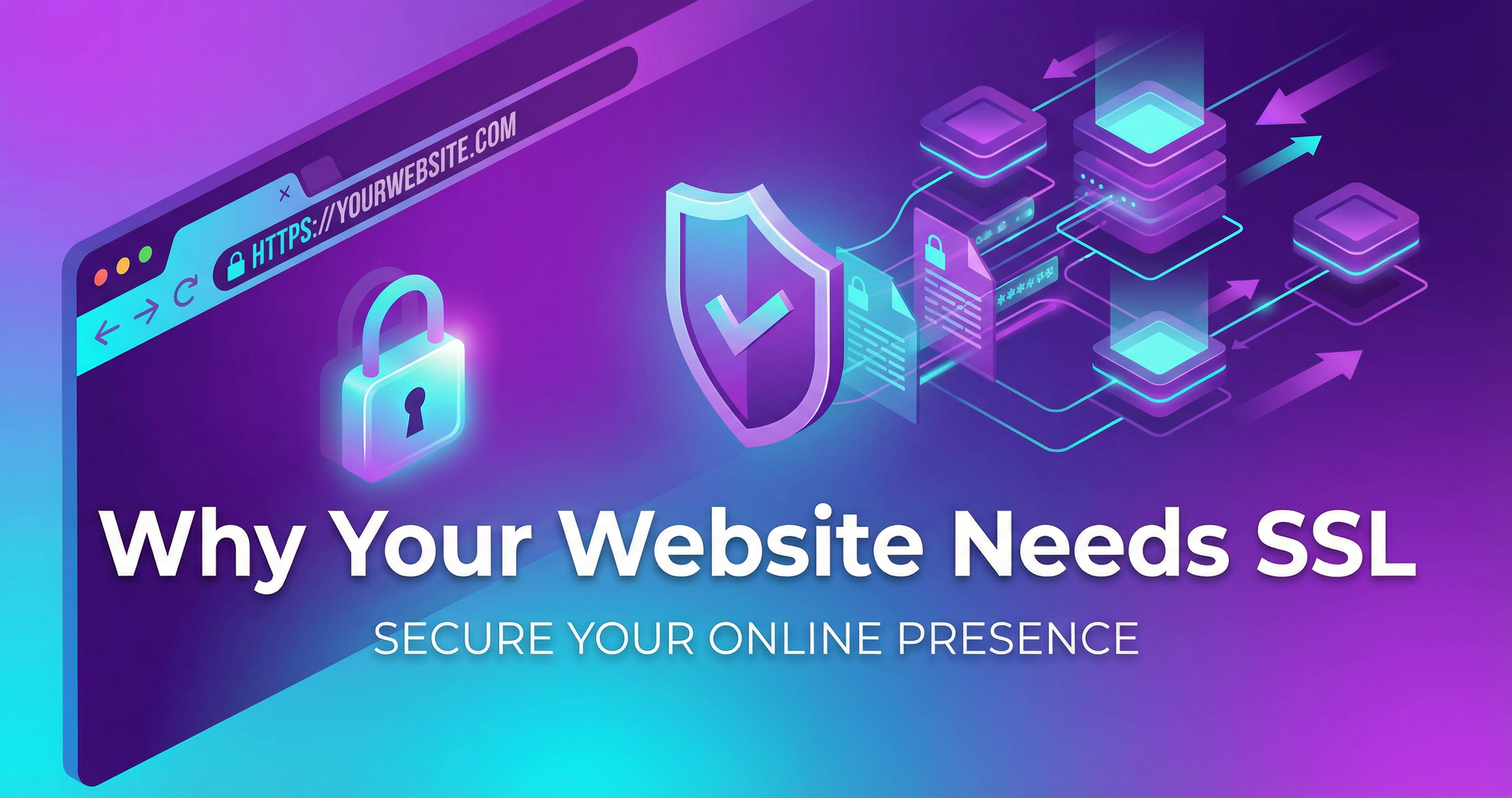
See that little padlock icon in your browser's address bar right now? That's HTTPS (SSL) in action. It means the connection between your browser and this website is encrypted and secure.
If your website doesn't have that padlock, you have a serious problem. Here's why every website — no matter how small — needs SSL in 2026.
What Is SSL/HTTPS?
SSL (Secure Sockets Layer) is the security technology that encrypts data transmitted between a visitor's browser and your website. When a site has SSL installed, its URL starts with https:// instead of http://, and browsers display a padlock icon.
Think of it like sending mail in a locked box versus a postcard. Without SSL, everything your visitors submit — contact forms, passwords, credit card numbers — is sent as plain text that anyone could intercept.
Why Your Website NEEDS SSL
1. Google Requires It
Google has explicitly stated that HTTPS is a ranking factor. Sites without SSL are penalized in search results. If your competitor has HTTPS and you don't, they'll outrank you — all else being equal.
2. Browsers Warn Visitors Away
Chrome, Firefox, Safari, and Edge all display warnings for sites without SSL:
- Chrome shows a prominent "Not Secure" warning in the address bar
- If your site has any form fields, Chrome shows an even more aggressive warning
- Some browsers block access entirely, requiring users to click through a scary warning page
Would YOU enter your email or phone number on a site that says "Not Secure"? Neither will your customers.
3. Data Protection
Even if your site "just" has a contact form, visitors are submitting personal information — names, emails, phone numbers, messages. Without SSL, that data is transmitted unencrypted. In some industries (healthcare, legal, finance), this is not just risky — it's a legal violation.
4. Customer Trust
85% of online shoppers will not make a purchase on a site without HTTPS. Even for non-e-commerce sites, that "Not Secure" warning erodes trust instantly.
5. It's the Industry Standard
Over 95% of websites now use HTTPS. Not having it doesn't just make you insecure — it makes you look outdated and unprofessional.
Types of SSL Certificates
Domain Validation (DV) — Free to $50/year
The basic level. Verifies that you own the domain. This is what most small business sites need. Free options are available through Let's Encrypt.
Organization Validation (OV) — $50-$200/year
Verifies your business identity in addition to domain ownership. Provides an extra layer of trust.
Extended Validation (EV) — $100-$500/year
The highest level of verification. Previously displayed the company name in a green bar (browsers have moved away from this visual). Mainly for large enterprises and financial institutions.
How to Get SSL on Your Website
Free SSL (Let's Encrypt)
Most hosting providers now offer free SSL through Let's Encrypt. It's legitimate, secure, and perfectly fine for most websites. If your host doesn't offer it, that's a red flag about your hosting quality.
What I Include
Every website I build includes SSL configuration as standard — no extra charge. I also handle:
- Proper HTTPS redirects (so http:// automatically redirects to https://)
- Mixed content fixes (ensuring all resources load via HTTPS)
- HSTS headers (tells browsers to always use HTTPS)
- Auto-renewal setup (so your certificate never expires unexpectedly)
Common SSL Mistakes
- Not redirecting HTTP to HTTPS — Both versions of your site are accessible, confusing Google
- Mixed content — Your page loads via HTTPS but some images or scripts load via HTTP
- Expired certificates — Your SSL cert expired and nobody noticed until customers started complaining
- Wrong certificate type — Using a single-domain cert when you need a wildcard for subdomains
Check Your Site Right Now
Visit your website and look at the address bar:
- 🔒 Padlock icon + https:// — You're good
- ⚠️ "Not Secure" warning — You need SSL immediately
- 🔓 "Not Secure" + red text — Critical issue, you're actively losing visitors
If you see anything other than that padlock, fix it today. It's one of the cheapest, fastest improvements you can make to your website.