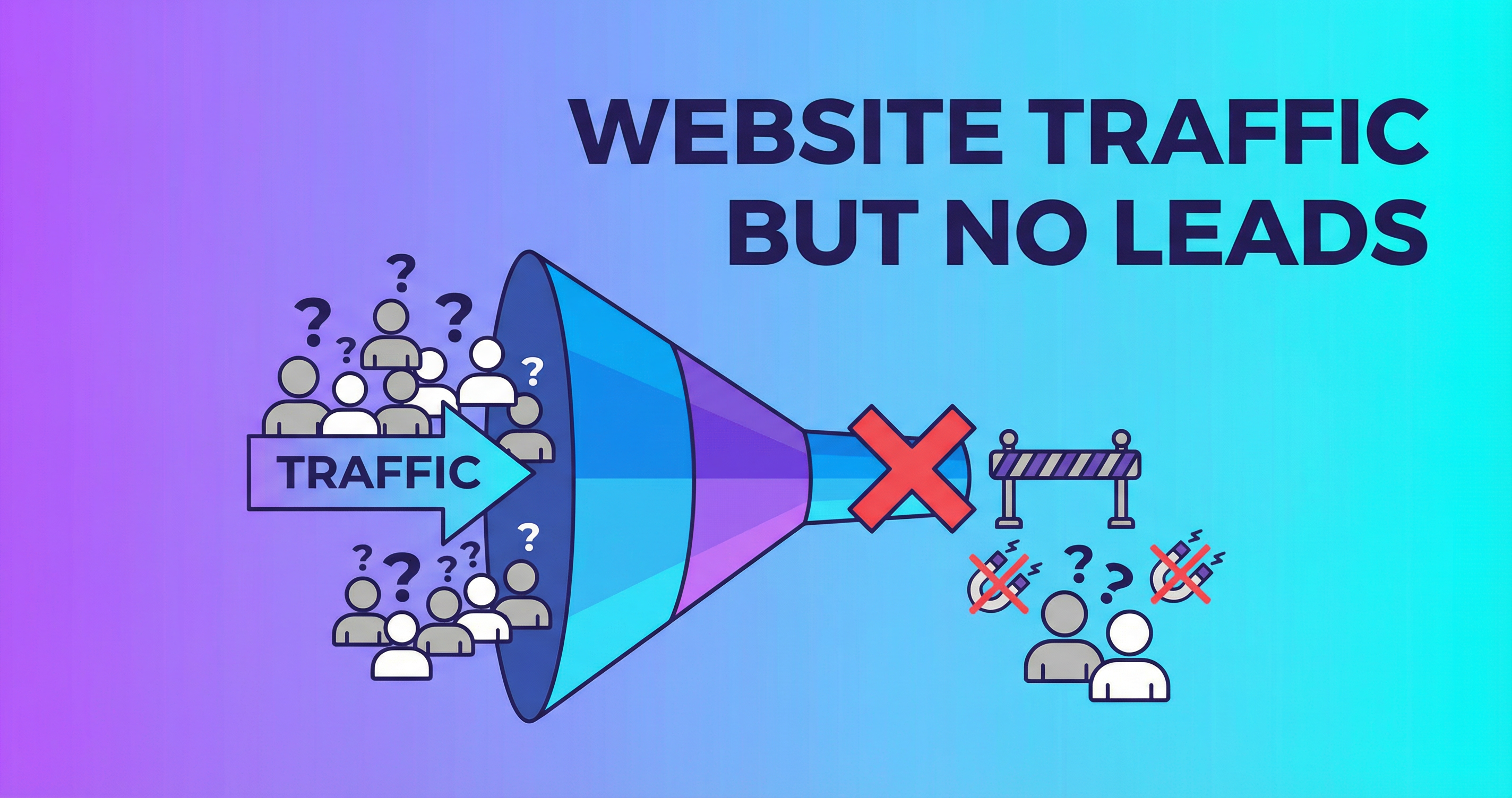
There's nothing more frustrating than watching your website analytics show hundreds (or thousands) of visitors per month while your phone stays silent and your inbox stays empty. Traffic without conversions is just wasted potential.
If people are finding your website but not taking action, something on your site is broken. Let me diagnose the problem and show you how to fix it.
Why Traffic Alone Doesn't Equal Business
Getting visitors to your website is step one. But visitors are just people looking — they're not customers yet. To turn visitors into customers, your website needs to do three things:
- Convince them you're the right choice (trust + relevance)
- Show them what to do next (clear CTA)
- Make taking action easy (friction-free process)
If any of these three elements is weak, visitors leave without converting.
Problem #1: Your Traffic Is the Wrong Traffic
Not all website traffic is equal. If your visitors don't match your ideal customer, no amount of conversion optimization will help.
Diagnosis: Check Google Analytics for:
- Geographic location — Are visitors from your service area?
- Traffic sources — Is the traffic from relevant searches, or random sources?
- Landing pages — Which pages are people entering from?
Fix: Optimize your SEO for local, intent-driven keywords. "Web developer in [your city]" is better traffic than "how to code HTML" even if the volume is lower.
Problem #2: No Clear Call-to-Action
This is the #1 conversion killer. Visitors land on your site and there's no obvious next step. No prominent "Call Now" button. No "Get a Quote" form above the fold. No booking widget.
Diagnosis: Look at your homepage on mobile. Within 3 seconds, can you see and tap a button to contact the business?
Fix:
- Add a prominent CTA button above the fold on every page
- Use action-oriented text: "Get Your Free Quote" instead of "Contact"
- Add a sticky phone number or CTA on mobile
- Repeat CTAs throughout long pages
Problem #3: Trust Deficit
Visitors don't know you yet. They need proof that you're legitimate, experienced, and reliable before they'll reach out.
Diagnosis: Does your website have visible testimonials, reviews, portfolio examples, and trust badges?
Fix:
- Add customer testimonials to your homepage and key pages
- Display Google review ratings
- Show portfolio/before-after examples
- Add trust badges (BBB, certifications, partner logos)
- Include a real photo of yourself/team (not stock photos)
Problem #4: Too Much Friction
Every extra step, click, or field between a visitor and becoming a lead is friction. And friction kills conversions.
Common friction points:
- Contact form with 10+ fields
- Phone number that's an image (not clickable)
- Contact page buried three clicks deep
- No phone number visible on mobile
- Required account creation before inquiry
Fix:
- Reduce contact form to 3-4 fields
- Make phone numbers clickable (click-to-call)
- Put contact info on every page
- Add a floating contact button on mobile
- Offer multiple contact methods (form, phone, chat, email)
Problem #5: Slow Website
If your site takes more than 3 seconds to load, 53% of visitors leave before they even see your content. They can't convert if they can't see your site.
Fix: Optimize images, upgrade hosting, clean up code, implement caching. Target a load time under 3 seconds on mobile.
Problem #6: Poor Mobile Experience
65%+ of your visitors are on phones. If your mobile site is hard to navigate, buttons are too small to tap, or text requires zooming — those visitors are gone.
Fix: Mobile-first redesign with thumb-friendly navigation, readable text, and streamlined forms.
Problem #7: Weak Content
If your content is vague, generic, or doesn't speak to your customer's specific needs, it won't motivate action.
Fix:
- Lead with benefits, not features
- Address specific customer pain points
- Use specific numbers and results
- Include FAQ sections to overcome objections
- Write in your customer's language, not industry jargon
Quick Conversion Audit
Answer these questions about your website:
- Can a first-time visitor understand what you do in 3 seconds?
- Is there a clear CTA visible without scrolling on mobile?
- Are there at least 5 testimonials or reviews visible?
- Does the contact form have 4 or fewer fields?
- Is your phone number clickable on mobile?
- Does the site load in under 3 seconds?
If you answered "no" to more than two of these, I can help.