Think of your website like a car. You wouldn't buy a car and never change the oil, rotate the tires, or get it inspected, right? Yet that's exactly what most business owners do with their websites — they launch it and forget it.
An unmaintained website is a ticking time bomb. It's vulnerable to hackers, it slows down over time, and it starts looking outdated. Here's everything you need to know about keeping your website healthy and performing.
Why Website Maintenance Matters
Security
Cyberattacks aren't just a big-company problem. 43% of cyberattacks target small businesses, and the majority of those target websites with known vulnerabilities. If your website's software hasn't been updated in months (or years), it's an open door for hackers.
What happens when your site gets hacked:
- Google blacklists your site (warning visitors it's dangerous)
- Customer data gets stolen
- Your site redirects to spam or malware
- Recovery costs $500-$5,000+ and takes days or weeks
- You lose customer trust (sometimes permanently)
Performance
Websites slow down over time. Databases grow, images accumulate, plugins add overhead, and hosting environments change. Without regular optimization, your once-fast site becomes sluggish — and slow sites lose customers.
SEO
Google favors websites that are actively maintained. Fresh content, fast load times, and security certificates all factor into your search rankings. An abandoned site gradually drops in the rankings.
User Experience
Broken links, outdated information, expired SSL certificates, and non-functional contact forms all damage your credibility. Every broken element on your site tells a potential customer: "This business doesn't care about details."
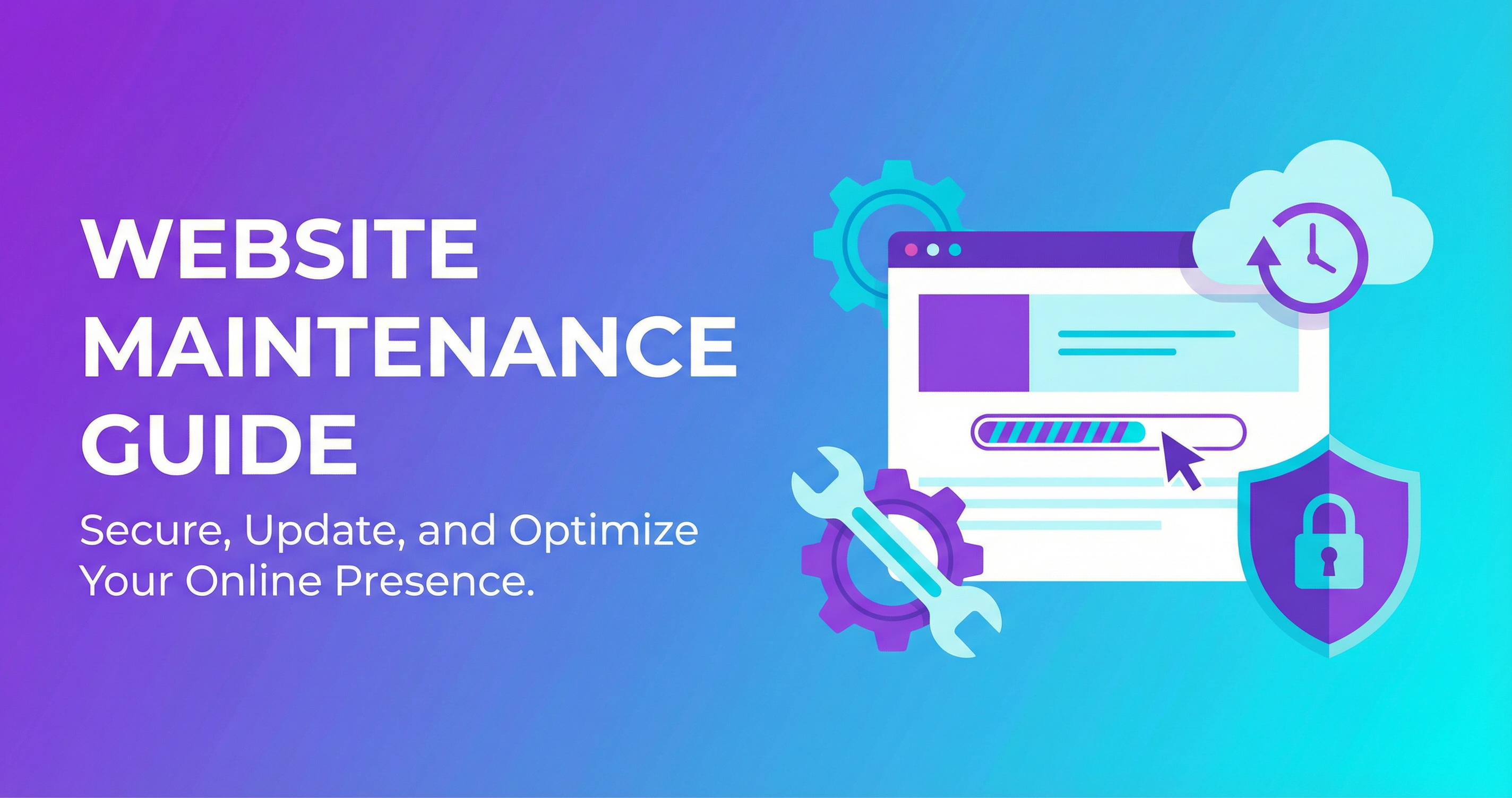
Essential Maintenance Tasks
Weekly Tasks
- Security scan — Check for malware and vulnerabilities
- Backup verification — Ensure automated backups are running successfully
- Uptime check — Verify your site is accessible 24/7
- Comment moderation — If you have a blog, review and manage comments
Monthly Tasks
- Software updates — Update CMS, plugins, themes, and dependencies
- Performance check — Run speed tests and optimize if needed
- Broken link check — Find and fix any dead links
- Contact form test — Fill out your own form to make sure it works
- Content review — Update pricing, hours, staff info if changed
- Analytics review — Check traffic trends, popular pages, user behavior
Quarterly Tasks
- Full security audit — In-depth vulnerability assessment
- SEO review — Check rankings, optimize underperforming pages
- Design review — Does the site still look modern and professional?
- Mobile testing — Test on current devices and browsers
- Content strategy — Plan new blog posts, case studies, or service pages
Annual Tasks
- Domain renewal — Don't let your domain name expire (seriously, this happens more than you'd think)
- SSL certificate renewal — Many auto-renew, but verify
- Hosting evaluation — Is your hosting still meeting your needs?
- Full site redesign consideration — Websites typically need a refresh every 3-5 years
What Happens When You Skip Maintenance
Here are real scenarios I've seen from clients who came to me after neglecting their sites:
- A restaurant's website was hacked and redirected to a pharmacy spam site — for three months before anyone noticed
- A contractor's contact form stopped working after a plugin update — he lost an estimated $12,000 in leads before discovering it
- A retail site's SSL certificate expired, and Chrome started showing a "Not Secure" warning — traffic dropped 40% overnight
- A law firm's WordPress site hadn't been updated in 2 years — it was compromised and Google removed it from search results entirely
DIY vs. Professional Maintenance
DIY Maintenance
If you're tech-savvy and have the time, you can handle basic maintenance yourself. The risk: if you break something during an update (it happens), you need to know how to fix it quickly.
Professional Maintenance (What I Offer)
I handle everything so you don't have to worry about it:
- Regular backups stored securely off-site
- Software and security updates
- Monthly performance optimization
- Uptime monitoring (I know if your site goes down before you do)
- Content updates (text changes, image swaps, new pages)
- Monthly reports so you know what was done
- Priority support when you need something changed fast
Plans start at $49/month — less than the cost of one lost customer.
Peace of Mind Is Worth It
You run your business. I maintain your website. It's that simple. No worrying about security updates, broken forms, or expired certificates. Everything is handled professionally and proactively.