The most successful website projects have one thing in common: the client came prepared. When you know what you want, have your content ready, and understand the process, everything moves faster, smoother, and costs less.
Here's exactly what to prepare before starting your website project — whether you're working with me or another developer.
1. Define Your Goals
Before anything else, get clear on what you want your website to accomplish. Write these down:
- Primary goal: What is the #1 thing you want visitors to do? (Call you, fill out a form, make a purchase, book an appointment)
- Secondary goals: What else should the website achieve? (Build brand awareness, educate customers, showcase portfolio)
- Success metrics: How will you know if the website is working? (Phone calls per week, form submissions per month, online sales)
2. Know Your Target Audience
Your website should speak directly to your ideal customer. Think about:
- Who are they? Demographics, location, profession
- What problems do they have? What keeps them up at night?
- What are they searching for? Actual Google searches they'd make
- What matters to them? Price? Quality? Speed? Trust?
- Where do they currently find you? Referrals, social media, Google?
3. Research Your Competitors
Visit your top 3-5 competitors' websites and take notes:
- What do you like about their sites? (Specific features, layouts, messaging)
- What do you NOT like? (Things you want to avoid)
- What's missing from their sites that you could do better?
- What seems to work for them?
This gives your developer valuable context about your industry and competitive landscape.
4. Gather Inspiration
Find 3-5 websites you love (they don't have to be in your industry) and note what specifically you like about each one:
- Color scheme
- Layout and structure
- Photography style
- Overall feel (modern, classic, playful, professional)
- Specific features or interactive elements
Visual references help your developer understand your taste far better than words alone.
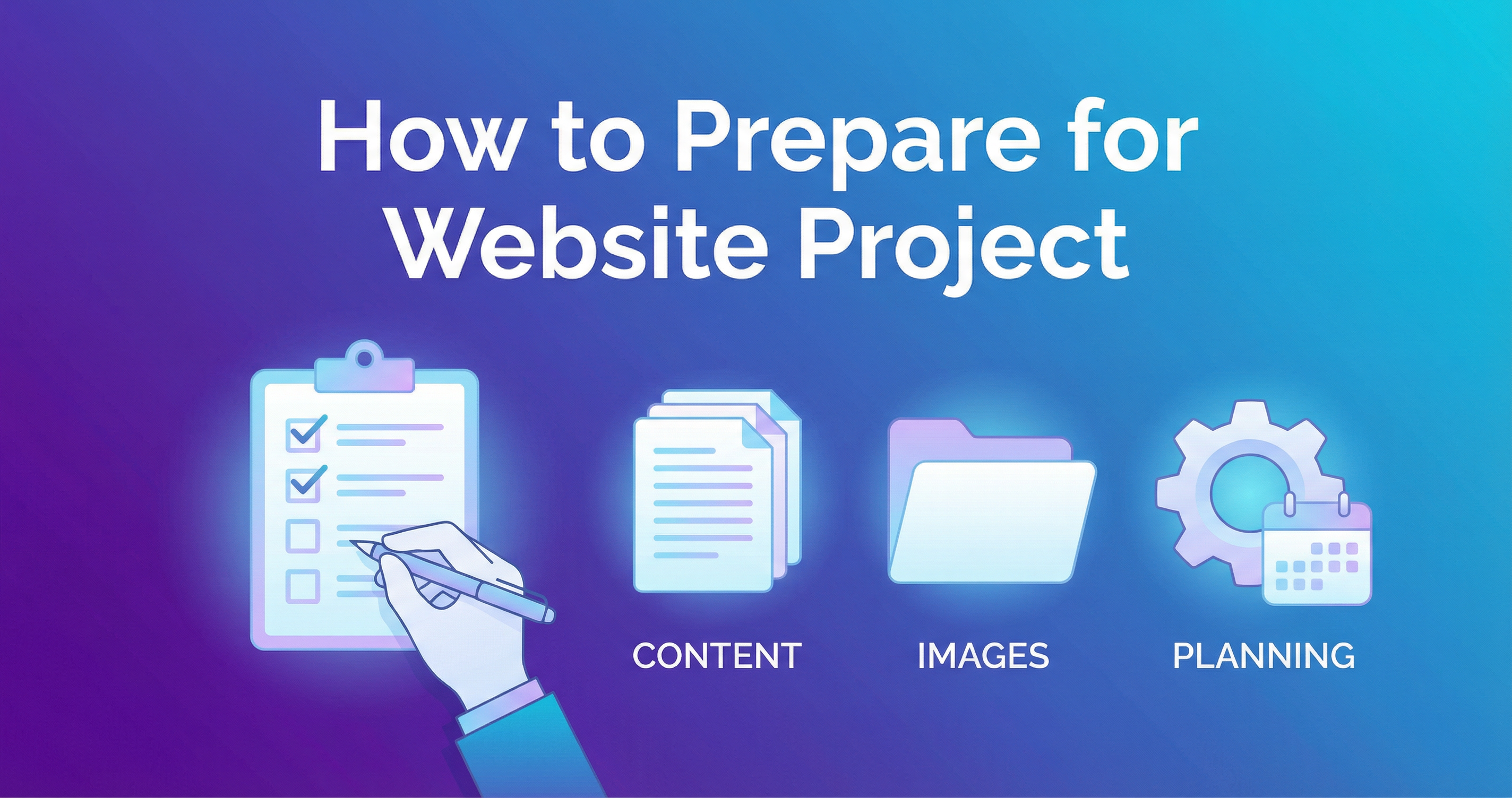
5. Prepare Your Content
This is the part that causes the most delays in website projects. Content not being ready is the #1 reason websites take longer than expected.
Text Content You'll Need
- About your business — Your story, mission, values, what makes you different
- Service/product descriptions — What you offer, what's included, benefits, pricing
- Team bios — Brief bios and roles for team members to feature
- Testimonials — Quotes from happy customers with permission to use them
- FAQ content — Common questions and answers from your customers
- Contact information — Address, phone, email, hours, social media links
Images You'll Need
- Your logo — High resolution (vector format like SVG or AI is ideal)
- Team photos — Professional headshots and/or candid photos
- Work/portfolio photos — Examples of completed projects
- Product photos — High-quality product images (if applicable)
- Office/location photos — Your workspace, storefront, etc.
6. Establish Your Brand Identity
If you already have branding, gather these assets:
- Logo files (all versions — color, black, white)
- Brand colors (hex codes if you have them)
- Brand fonts
- Any existing brand guidelines
If you don't have branding yet, that's okay — I can help with that too.
7. Set Your Budget and Timeline
Be upfront about:
- Budget range — This helps your developer recommend the right scope
- Deadline — Is there a launch date you're targeting? (New business opening, seasonal campaign, etc.)
- Ongoing budget — Are you prepared for hosting, maintenance, and updates?
8. Designate a Decision Maker
One of the biggest project killers is getting feedback from too many people. Designate one person who:
- Reviews designs and provides consolidated feedback
- Approves milestones to keep the project moving
- Can make decisions without committee approval
Free Preparation Template
When you reach out to me, I'll send you a simple project questionnaire that covers all of this. It takes about 30 minutes to complete and dramatically improves the quality and speed of your project.