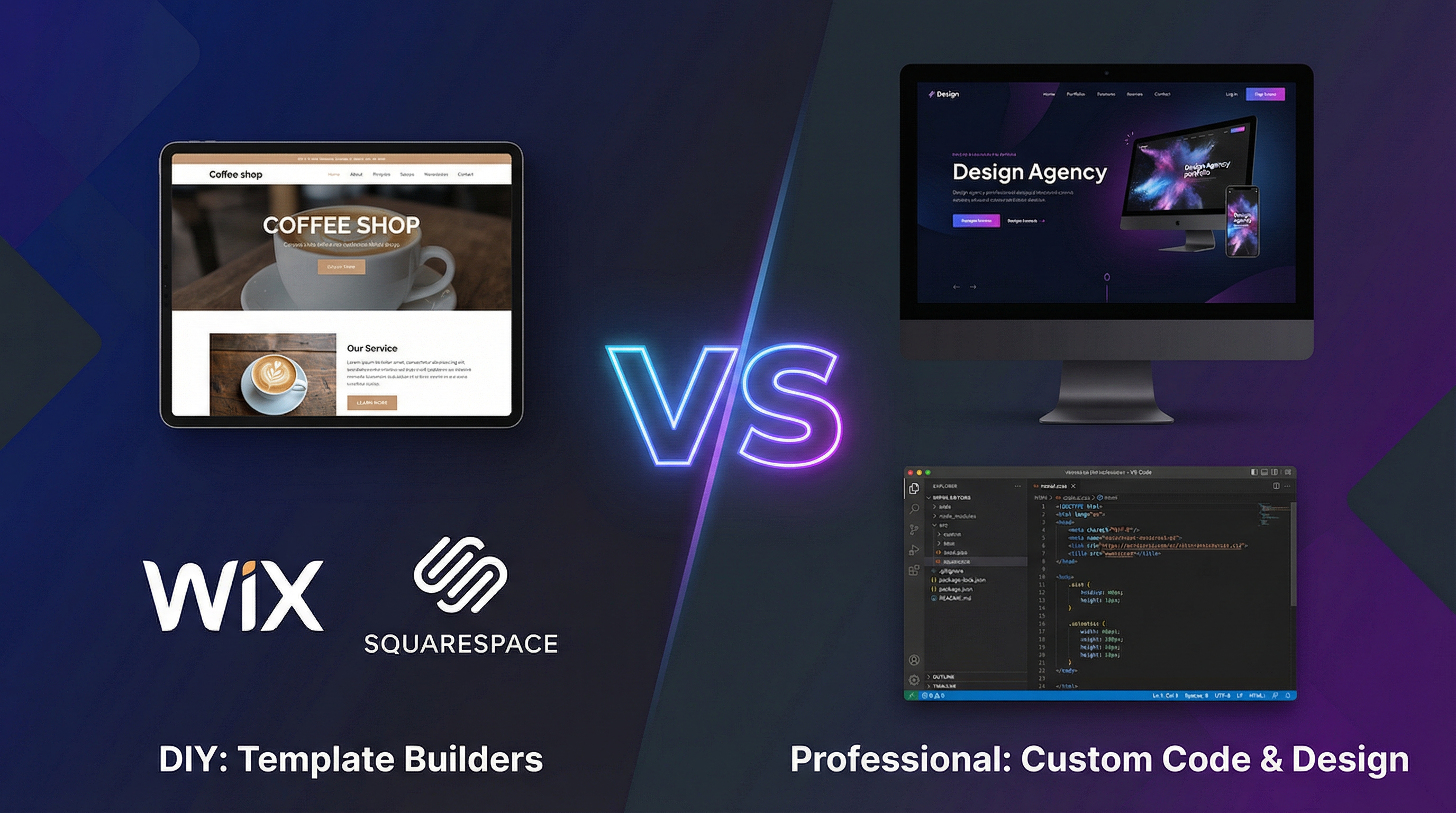
You've decided your business needs a website. Now comes the big question: Should you build it yourself using Wix or Squarespace, or should you hire a professional?
As a web developer, I could easily say "always hire a pro." But that's not honest. The truth is: both options have their place. Let me give you the real comparison so you can make the right choice.
The DIY Website Builders: An Overview
Wix
Best for: Small businesses, portfolios, simple sites
Price: $16-$59/month
Ease: Drag-and-drop, very beginner-friendly
Squarespace
Best for: Creatives, photographers, restaurants
Price: $16-$52/month
Ease: Beautiful templates, moderate learning curve
WordPress.com
Best for: Bloggers, content-heavy sites
Price: Free-$59/month
Ease: More powerful, steeper learning curve
Shopify
Best for: E-commerce stores
Price: $29-$299/month
Ease: Excellent for selling, requires setup time
The Real Pros of DIY Website Builders
1. Lower Upfront Cost
You can launch a basic website for $200-$500 total (annual subscription + template + domain). That's significantly less than hiring a developer.
2. Quick Launch
With a template and some effort, you can have something live in a weekend. Professional projects typically take 4-12 weeks.
3. No Technical Knowledge Required
Drag-and-drop editors let anyone build a basic site. You don't need to know HTML, CSS, or JavaScript.
4. You Control Updates
Change text, swap images, add pages—all without waiting for (or paying) a developer.
The Real Cons of DIY Website Builders (The Stuff They Don't Advertise)
1. You Look Like Everyone Else
Templates are used by thousands of businesses. Your "unique" design isn't unique at all. Customers subconsciously recognize template sites.
2. Limited Customization
Want something the template doesn't support? You're stuck. Platforms intentionally limit what you can change.
3. Performance Issues
DIY builders add bloated code that slows your site. Most template sites fail Google's Core Web Vitals—hurting SEO.
4. SEO Limitations
Basic SEO tools are included, but advanced optimization is often impossible. You can't control everything needed for competitive rankings.
5. Hidden Costs Add Up
- Premium templates: $50-$200
- Apps/plugins for features: $5-$50/month each
- Email marketing integration: $10-$50/month
- Removing platform branding: Higher tier required
- E-commerce features: Premium plans only
That "free" or "cheap" site can easily hit $100-$200/month.
6. You Don't Own Anything
Your site lives on their platform. If they change pricing, policies, or shut down, you're stuck. You can't just take your site elsewhere.
7. Your Time Has Value
The 40+ hours you spend figuring out a builder is time not spent running your business. If your time is worth $50/hour, that's $2,000 of hidden cost.
The Real Pros of Hiring a Professional Developer
1. Truly Custom Design
Your website reflects YOUR brand, not a template's. Strategic design decisions focus on converting your specific audience.
2. Better Performance
Clean code means faster loading. Fast sites rank higher and convert better.
3. Full SEO Control
Proper technical SEO foundation, site structure, schema markup—everything needed to compete in search.
4. Scalability
Need to add complex features later? A professionally-built site can grow with your business.
5. You Own Everything
The code is yours. Host it anywhere. Switch developers anytime. No platform lock-in.
6. Expert Strategy
A good developer doesn't just build—they consult. They help you understand what actually works for conversions.
7. Time Savings
Spend your time on your business while a professional handles your website.
The Real Cons of Hiring a Professional Developer
1. Higher Upfront Investment
Quality work costs $3,000-$15,000+ for a business website. That's real money for a small business.
2. Longer Timeline
A proper custom website takes 4-12 weeks from start to launch.
3. Need to Find the Right Person
Bad developers exist. You need to vet portfolios, check references, and ensure communication styles match.
4. May Still Need Developer for Updates
Depending on setup, you might need help for more than basic content changes.
Decision Framework: Which Should YOU Choose?
Choose DIY If:
- ✅ Budget under $1,500
- ✅ You have 20+ hours to invest in learning
- ✅ Simple needs (under 10 pages, basic features)
- ✅ You're tech-comfortable and enjoy figuring things out
- ✅ This is a side project, not your main business
- ✅ You're testing a business idea before investing more
Choose a Professional If:
- ✅ This website is critical to your business income
- ✅ You need custom functionality
- ✅ You're in a competitive market where you need to stand out
- ✅ SEO and Google ranking matter
- ✅ You need e-commerce with more than simple products
- ✅ Your time is more valuable spent on your expertise
- ✅ You want a long-term asset, not a rental
The Middle Ground: Affordable Professional Options
Can't afford a $10,000 custom build but know DIY won't cut it? There are middle options:
Professional WordPress Theme Customization
Cost: $1,500-$3,500
A developer takes a premium theme and customizes it for your brand. You get professional quality at template prices.
Template Design + Pro Setup
Cost: $500-$1,500
A designer sets up your Squarespace/Wix site properly, configures SEO, and trains you.
Custom Design + Template Build
Cost: $2,000-$5,000
Custom design created, then implemented on a platform like Webflow that balances customization with ease of use.
Questions to Ask Before Deciding
- What's my website's job? Brochure vs. lead generator vs. e-commerce?
- What's my realistic budget? Including ongoing costs?
- How much time can I actually invest?
- How competitive is my market online?
- What do my competitors' websites look like?
- Will I need features beyond basics?
- How important is ranking in Google?
My Honest Recommendation
If your website is just a digital business card—contact info, basic services, a map—DIY can work.
If your website needs to actively bring in customers and revenue, invest in professional help. The ROI on a converting website pays for itself many times over.
The worst choice? Spending 80 hours on a DIY site that doesn't convert, then hiring a pro anyway. That's paying twice—once in time, once in money.
Not sure which path is right for you? Let's chat. I'll honestly tell you if DIY makes sense for your situation, or if a professional investment is worth it.